 Nieuw
Nieuw





 4K
4K




Guide4 min read
Switch on the TV guide
Open the settings of your app and choose EPG or TV guide. Let it load; that takes a minute. After that you see per channel what was broadcast and what is still to come.
Find the programme
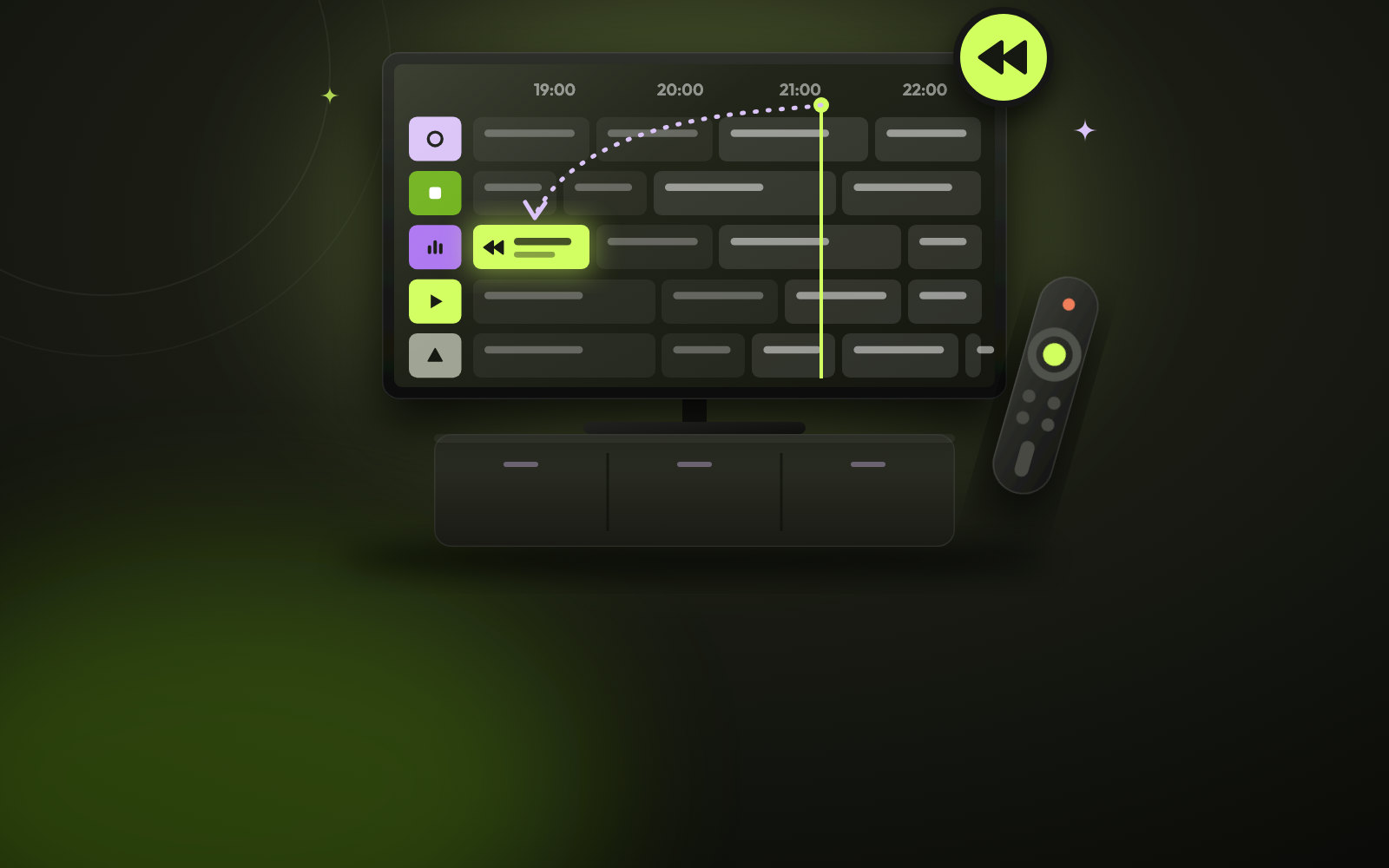
Go to the channel and move left in the guide, back in time. Channels that support catch-up show a small clock or the word catch-up. You can go up to 7 days back.
Start and control it
Choose the programme and press OK. It starts from the beginning. You can pause, rewind and fast-forward as with a movie, and skip the adverts as you go.
Not working?
Not every app supports catch-up equally well. It works best with TiviMate or IPTV Smarters. If you see no clock next to the channel, send us a message on WhatsApp with the name of your app.